Enable the Git modal commit interface
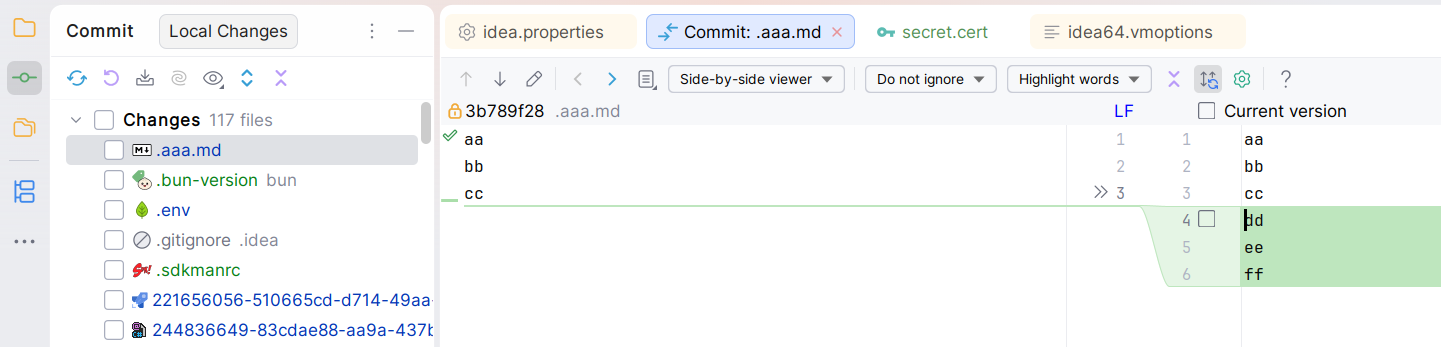
JetBrains introduced a new non-modal commit interface. There are now two Git tool windows (Commit and Git), and you have to double-click on a file in the Commit tool window to show a diff preview in an editor tab:
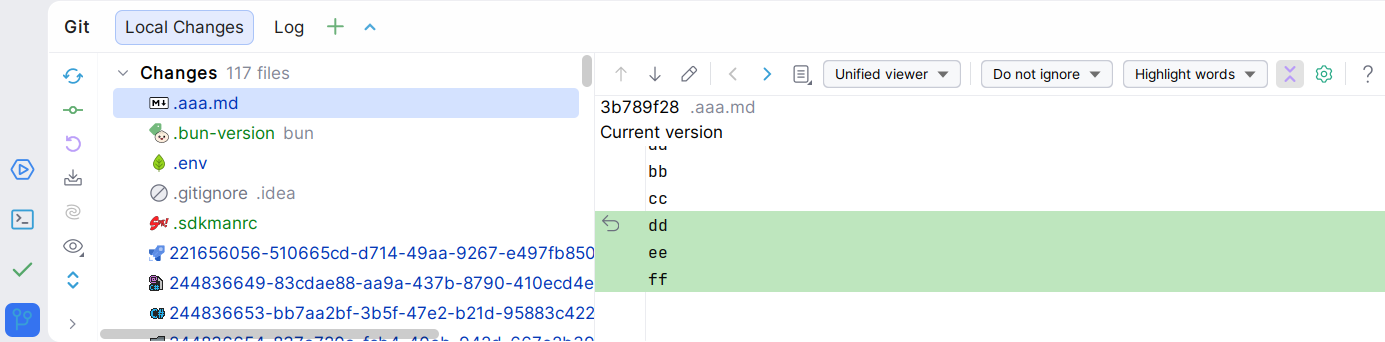
The old, modal commit interface was more clear to me: a single tool window, and a single click shows the diff in a dedicated preview pane:
To activate the modal commit interface, enable or download the “Modal Commit Interface” plugin. It should be bundled in recent IDEs:

Go to File > Settings > Advanced Settings > filter by “Git”, and check “Use modal commit interface for Git and Mercurial”:
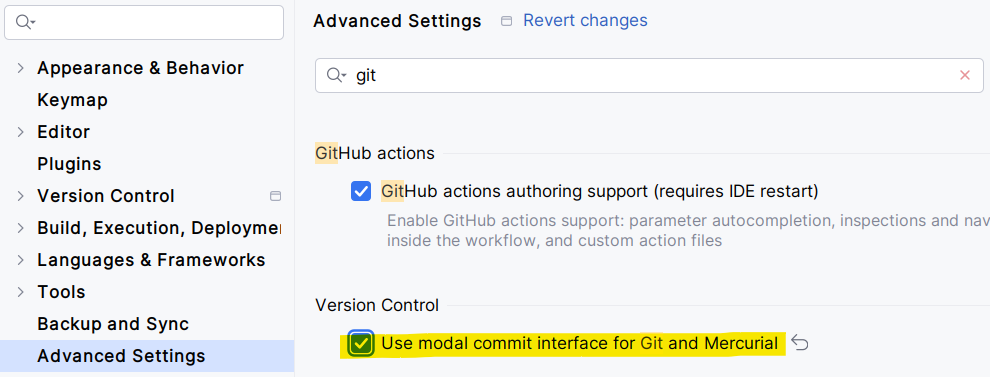
Nota: if you’re running an old IDE, you may not see this advanced setting. In this case, go to Help > Edit Custom Properties, paste “vcs.force.modal.commit=true”, and restart your IDE.
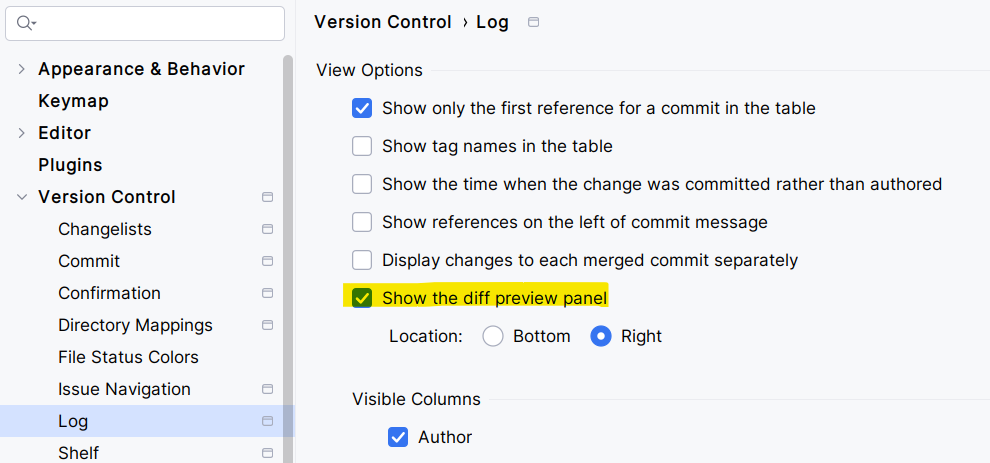
Optionally, display the diff preview on the right side: