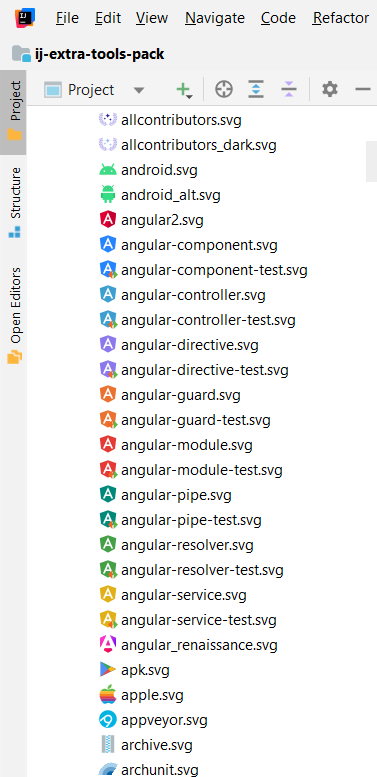
This free plugin allows you to preview project images as icons in your project explorer.
Helpful if you have a lot of images in your project.
Search “Icon Viewer” in the IDE’s plugin browser, or download it from https://plugins.jetbrains.com/plugin/13995-icon-viewer-2:
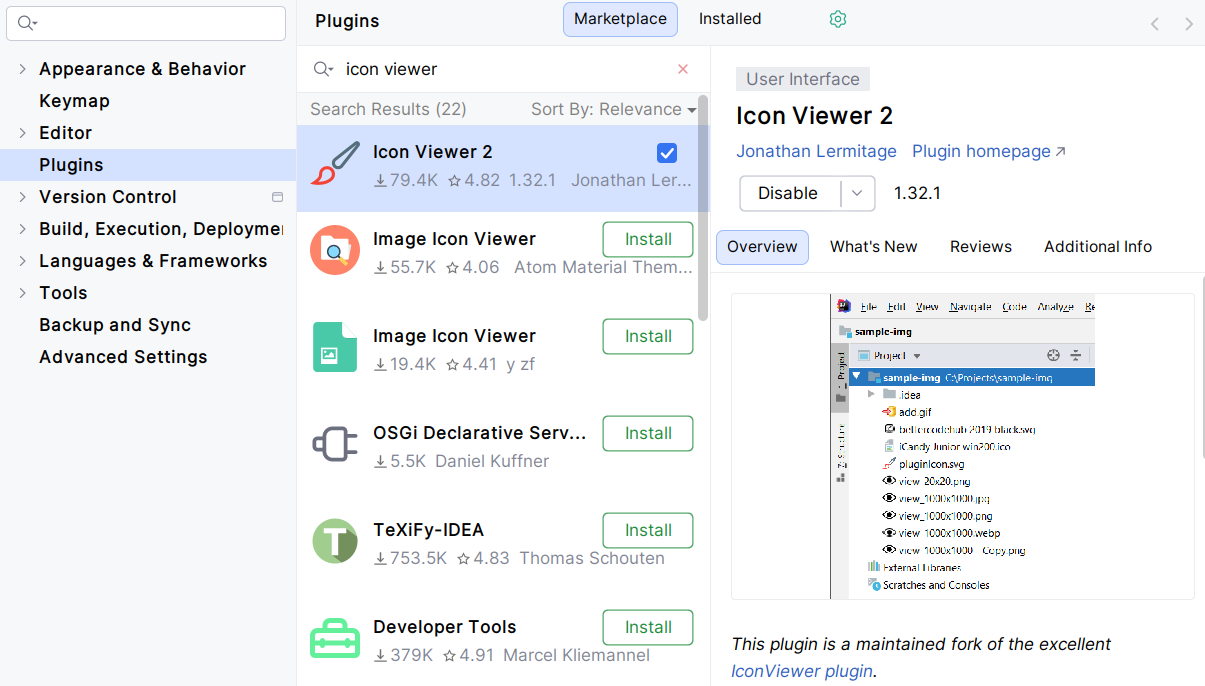
It’s free and open-source, and it works with all JetBrains IDEs, plus Android Studio and Huawei DevEco Studio.
I started it as a fork of the original but unmaintained IconViewer plugin. It also supports more file formats.
I use it everyday when I work on my projects, especially on Extra Icons or Extra ToolWindow Colorful Icons, which contain hundreds of image files: