
Smooth caret movement is now available in IntelliJ 2026.1 EAP. It’s disabled by default. To activate this feature, go to File > Settings > Editor > General > Appearance, then check “Use smooth caret movement”:
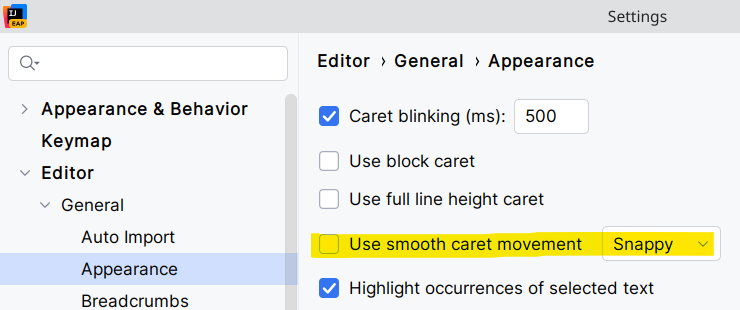
Two values are available: Snappy, and Smooth.