
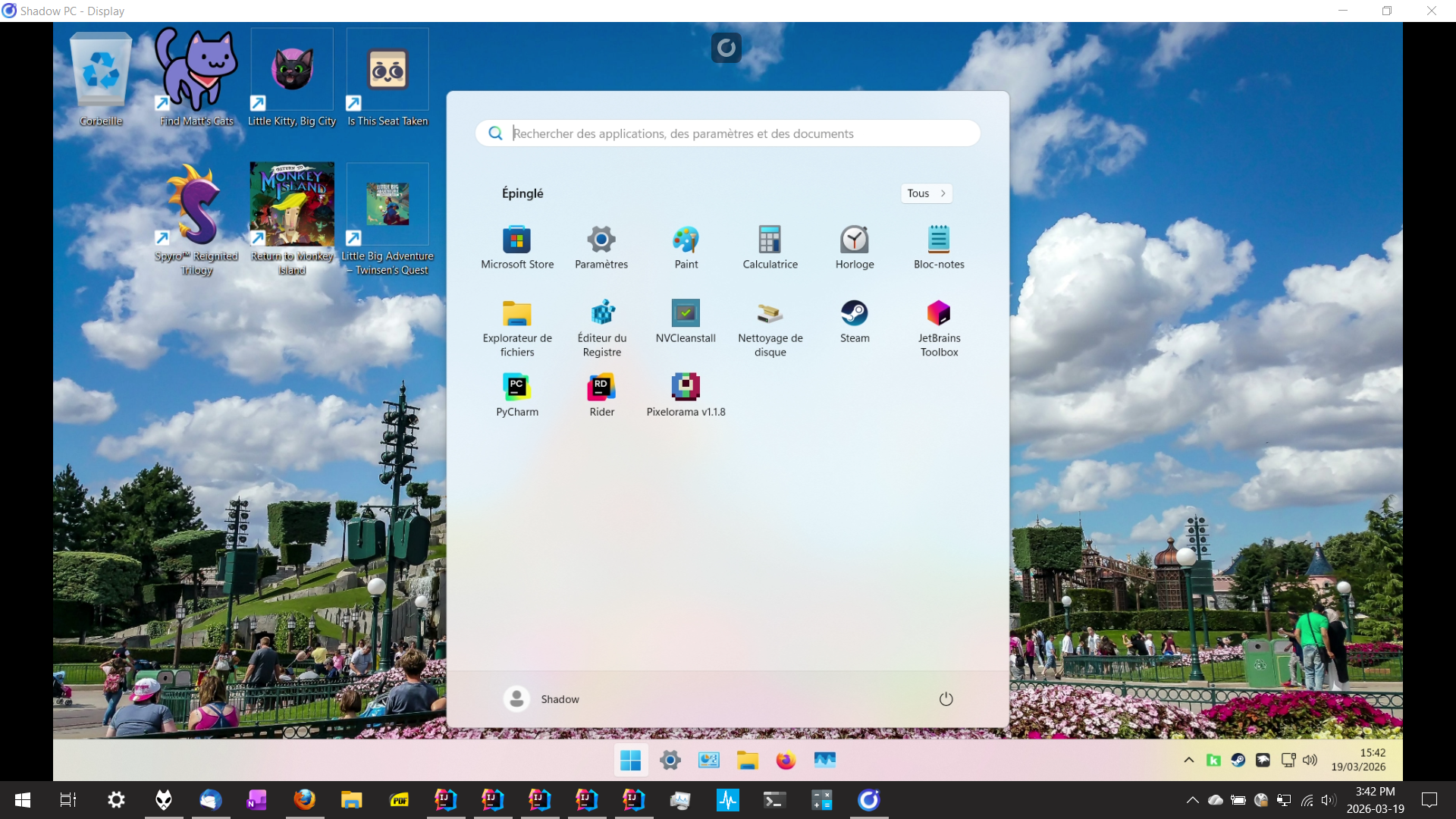
I have a subscription to Shadow PC since over 6 years, mostly for gaming with my friends. Shadow is a French cloud gaming platform which offers Windows remote computers with strong characteristics. You get a real Windows 11 OS (in a virtual machine), which lets you do what you want with it, like installing Steam, GoG, or mods for your video games, except, of course, things like crypto-mining. Shadow is available in Europe and North America. I used it when living in Montréal, Québec, and I’m now using it from Lyon, France. It’s expensive, but it’s very comfortable to use.
I also have an old computer (a Dell XPS 15 laptop with an Intel 8750H CPU), and even if it still works super well, I have to admit that I’m finding it harder and harder to tolerate the loud fan noise when I run resource-intensive tasks like packaging IntelliJ plugins, exploring IntelliJ sources in IntelliJ, or compiling an Android project. I also want my laptop battery to last longer than an hour when I’m working on my patio, on the couch, or in a park (yeah, working in these conditions is really enjoyable 😋).
So, why not using my Shadow PC for my work? At least for the intensive tasks. I can install Git, my backup tools, a JDK, Maven, Grade, Go, Rust, NodeJS, Python, a .NET SDK, GoDot, JetBrains IDEs, Gpg4Win, KeePassXC, and so on. All I need is my laptop and a decent connection: Wi-Fi 5 at home and good 4G coverage when I’m out.
So, this is my feedback with a Shadow PC Power subscription, at 255€ for 6 months (VAT included), previously at 50€/month:
Pros
- The Shadow PC client works super well on all platforms (Windows, Linux, macOS, Android). It’s mature, and definitively better that competitors.
- It’s very confortable. No noise, and it starts within 30 seconds.
- You get a real Windows OS, with, in theory, no limitations (see the Cons).
- You get a strong GPU, an average CPU (see the Cons), a fast Internet connection, and a 512 GB fast SSD. My GPU is an Nvidia RTX A4500 GPU, but you can opt for less expensive offers with a weaker GPU (like an Nvidia RTX A2000).
Cons
- The CPU is old. You get “8 virtual cores” of an AMD EPYC 7543P 32-Core CPU. Actually, this is worst. I should say only “4 cores”, because if Shadow advertises about 8 virtual cores (the “virtual” word is very important here), there are actually 4 cores + the SMT (also known as Hyper Threading on Intel platforms). And you know that SMT technology only delivers about 30% of the power of a true core. In some scenarios, it can also have a negative impact on performance. In other words, you get only 4 real cores of what is an old CPU. It has a 2.8 GHz base frequency, and there is no (easy) way to know if the Turbo mode is enabled (it’s a VM!). This is clearly a problem with some recent CPU-intensive video games (e.g. Borderlands 4 runs poorly, it’s a shame), and it can also be frustrating in other scenarios.
- The biggest flow for me: because this is a virtual machine, and because the nested virtualization is not enabled, I cannot use tools like VirtualBox, VMWare Workstation, Android emulators, etc. I wanted to test some Android apps, but you can easily guess what happened.
- 28 GB or RAM. It’s OK for me, but you would prefer 32 or 64 GB.
- It turns off automatically when idle for 45 minutes, which can be terribly annoying during a lunch-break, things like that.
- It’s rare, maybe no more than once a month, but sometimes the VMs go down – usually for just a few hours. While that might be acceptable for video games, it’s a problem for a professional activity. I can’t say whether competitors offer better availability.
To be honest, I wouldn’t subscribe to Shadow just for work. I use it primarily for gaming, and the fact is that I can also use it for work, at no extra cost. I’m currently using it for exploring IntelliJ sources and running custom IDEs from sources, developing video games with .NET and Python, and testing various software. I’m still using my laptop for IntelliJ plugin development. That’s a good deal for me.
Nota: Shadow also has offers for regular work, but I guess they’re also using virtual machines, with the same limitations.