
If, like me, you don’t like the new IntelliJ UI, you may want to install the Classic UI plugin. This is an official plugin from JetBrains which restores the good old UI, now called the “Classic UI”.
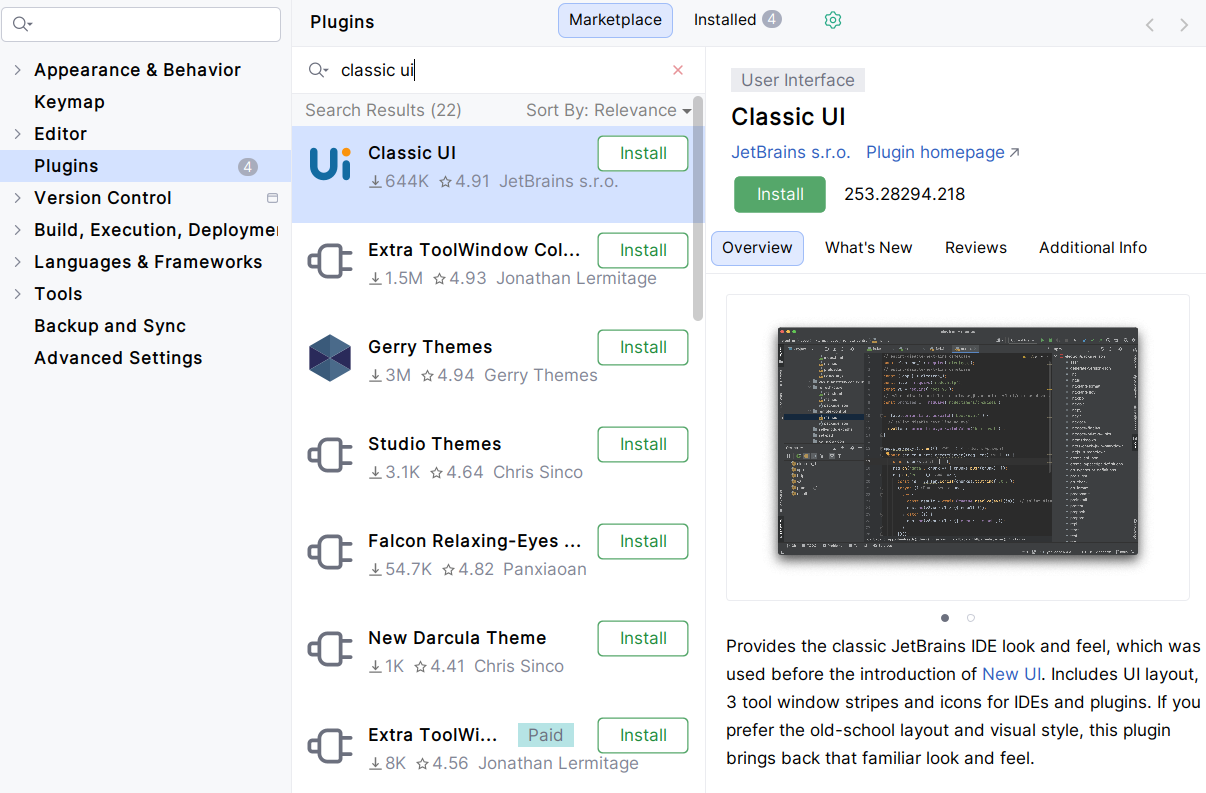
Actually, the Classic UI is still present in the IDE, but hidden. The Classic UI plugin is almost empty (7.5 KB). It contains only a small piece of code that tells the IDE to activate the Classic UI.
The Classic UI plugin is compatible with all JetBrains IDEs, and I never faced any problem with 3rd-party plugins.
This is how my IDE (IntelliJ Ultimate 2025.3.1.1) looks like, with the Classic UI plugin, plus some of my plugins like Extra Icons (better file and folder icons), Extra ToolWindow Colorful Icons (colored icons in menus and in tool windows, otherwise they would be in grayscale):
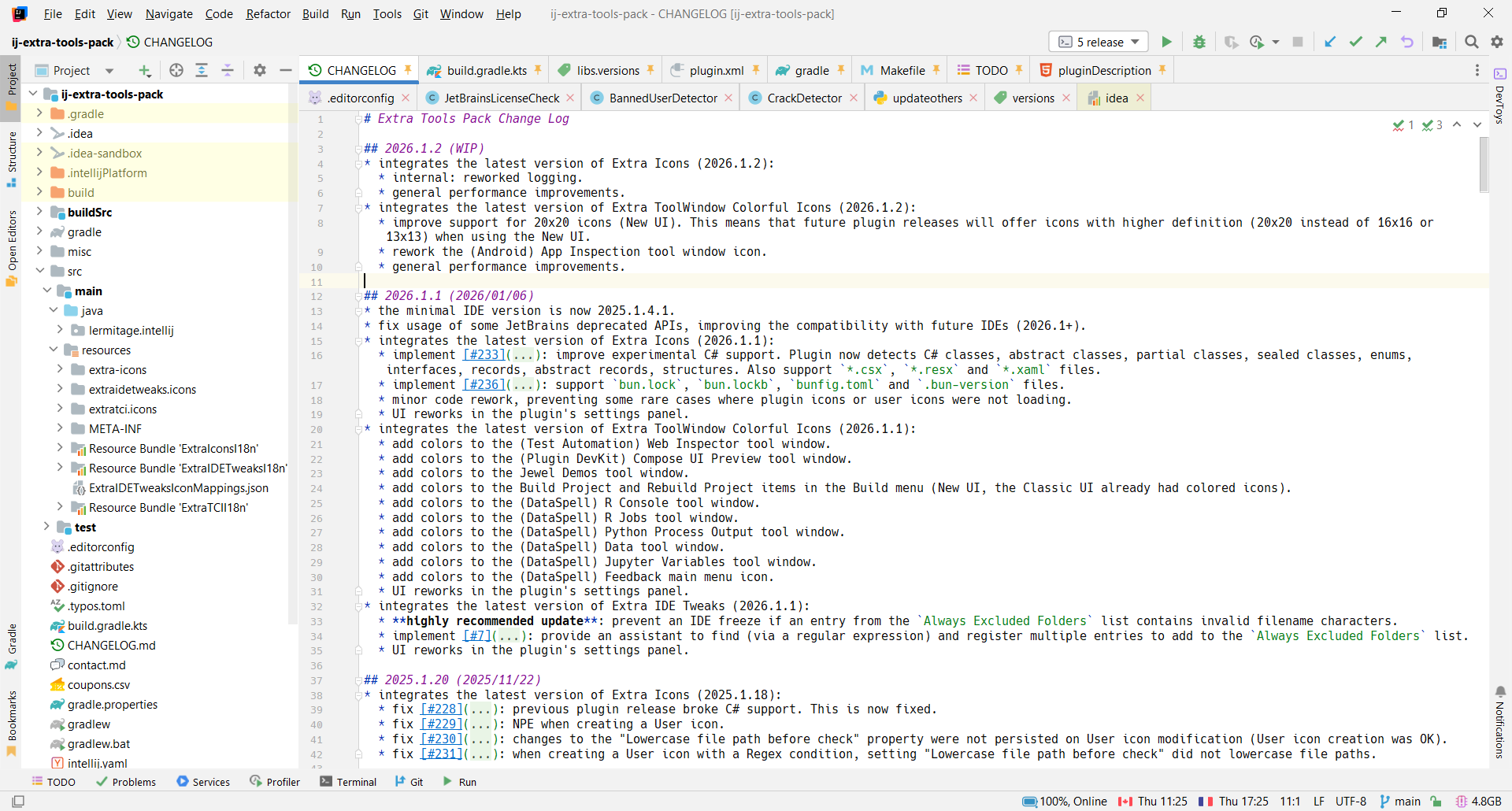
Nota: I’m not saying the new UI is bad. I’m just more confortable with the Classic UI, because the main menu is more reactive and more accessible, I like the labels next to the tool window icons, and I really miss the tool windows at the bottom of the IDE. Oh, and the UI is more compact. However, I understand that many people prefer the new UI. Everyone has their own preferences, and it’s important to respect each other.
Also, I’m glad that JetBrains hasn’t removed the Classic UI yet, even though it’s scheduled to be discontinued. Actually, it is no longer maintained and it may be removed if it does not work with a new version of IntelliJ. For now, it works perfectly with 2024 and 2025 IDEs. I cross fingers for 2026 and 2027 IDEs 🤞.